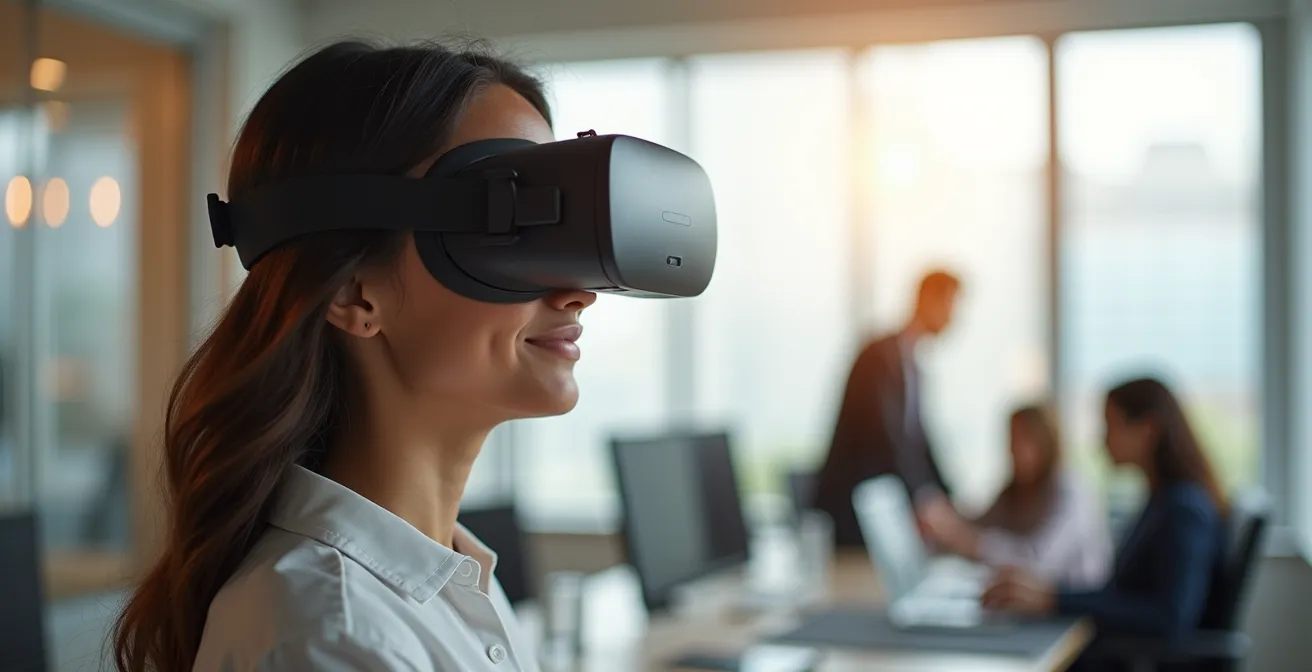
The core reason VR training slashes turnover is not gamification; it’s the creation of deep, competence-based confidence in employees.
- VR provides a psychologically safe “sandbox” where employees can fail and master complex skills without real-world consequences.
- This experiential learning leads to dramatically higher knowledge retention (up to 80% after one year) compared to traditional methods.
Recommendation: Shift your focus from training completion rates to measuring the growth in employee confidence and operational readiness post-VR implementation.
The revolving door of employee turnover is one of the most persistent and costly challenges facing HR and L&D leaders today. We invest heavily in onboarding and training, only to see valuable talent walk away, taking their newly acquired knowledge with them. Traditional methods—think slideshows, lectures, and manuals—often fail to create a meaningful connection or build the deep-seated confidence needed for long-term commitment. In fact, for many high-stakes roles, these methods are not just ineffective; they’re inadequate.
But what if the solution wasn’t another e-learning module, but a fundamental shift in how we approach skill acquisition? The conversation around Virtual Reality (VR) in corporate training is often sidetracked by novelty, but its true power lies in something far more profound. According to Quentin Gause in a SHRM Labs Report on VR/AR job training, effective VR programs can increase employee retention by 30% to 50%. This isn’t magic; it’s the result of a unique ability to foster what traditional methods can’t: psychological safety and true competence-based confidence. When employees feel genuinely prepared and valued, they don’t just stay—they thrive.
This article moves beyond the hype to provide an evidence-based framework for understanding and implementing VR training as a strategic retention tool. We will explore why VR is uniquely suited for high-risk jobs, how it anchors learning in long-term memory, and how you can overcome the practical hurdles of implementation, from cost to user comfort. It’s time to stop training for compliance and start training for mastery and retention.
To navigate this comprehensive guide, we will first explore the foundational ‘why’ behind VR’s effectiveness, then pivot to the practical ‘how’ of implementing it within your organization. The following summary outlines the key areas we will cover.
Summary: How VR Training Is Increasing Employee Retention Rates by 40%?
- Why VR Is the Only Safe Way to Train for High-Risk Scenarios?
- How to Remember 90% of What You Learn Using Spaced Repetition?
- The “Hidden” Skill Gap That Stalls Robotic Integration Projects
- How Warehouse Robotics Is Solving the Labor Shortage Crisis?
- How to Design a VR Room Without Spending a Fortune on Renovation?
- Standalone vs PC-Tethered: Which Headset Fits Your Enterprise Needs?
- AR Glasses or VR Headsets: Which Helps Field Technicians More?
- How to Prevent Motion Sickness During Team VR Sessions?
Why VR Is the Only Safe Way to Train for High-Risk Scenarios?
For roles involving hazardous machinery, volatile situations, or complex medical procedures, traditional training presents a paradox: you can’t gain experience without practice, but practice itself is dangerous. This is where VR training transcends being a “nice-to-have” and becomes an indispensable tool. It creates a hyper-realistic, yet 100% safe, environment where employees can face worst-case scenarios, make mistakes, and learn from them without any real-world consequences. This process builds not just procedural knowledge, but also critical decision-making skills under pressure.
This controlled environment fosters a deep level of psychological safety. Trainees can attempt a dangerous repair or navigate a difficult conversation, knowing that failure is a data point for learning, not a catastrophic event. The impact on safety culture is tangible, with some companies implementing VR safety training reporting a 30% reduction in workplace accidents. This isn’t just about avoiding physical harm; it’s about building an unshakable foundation of confidence before an employee ever steps onto the factory floor or into a high-pressure client meeting.
The image below illustrates a worker engaged in exactly this kind of training, able to master complex industrial tasks in a controlled, virtual space that mirrors the real world.

This principle extends beyond physical danger. Consider the “high-risk” scenarios faced by social workers. The Indiana Department of Child Services used VR to help staff role-play emotionally charged home visits, preparing them for the human element of their work. The result was a remarkable 31% boost in employee retention, directly tied to employees feeling more prepared and competent to handle the immense stress of their jobs. By providing a space for “experiential imprinting,” VR ensures that the first time an employee faces a crisis, it doesn’t feel like the first time at all.
How to Remember 90% of What You Learn Using Spaced Repetition?
One of the biggest failures of traditional training is the “Forgetting Curve,” where learners lose the majority of information within weeks. VR training shatters this curve by transforming learning from a passive intake of information into an active, multi-sensory experience. It leverages a principle far more powerful than simple repetition: experiential imprinting. When you physically perform a task in VR—even a simulated one—your brain creates stronger, more durable neural pathways, akin to muscle memory.
This deep encoding is why research shows employees retain up to 80% of information one year after VR training, compared to a mere 20% just one week after traditional training. The learning isn’t just cognitive; it’s kinesthetic and emotional. Spaced repetition, the method of revisiting information at increasing intervals, becomes exponentially more powerful in VR. Instead of re-reading a manual, the employee re-practices the skill in a new scenario, solidifying their mastery with each session.

The macro view of a VR lens above evokes the complex neural connections forged during this process. This isn’t just about remembering facts; it’s about achieving a state of operational readiness. The National Training Laboratory reinforces this, stating that learners retain up to 75% of information learned through practice-based VR, a stark contrast to the 5-10% from lectures. This high retention rate directly impacts employee confidence. When employees know they know, they are more engaged, more effective, and far less likely to leave.
Research conducted by the National Training Laboratory found that learners retain up to 75% of the information they learn through VR training, compared to just 5-10% through traditional lectures.
– National Training Laboratory, Virtual Reality: The Future of Employee Training and Development
The “Hidden” Skill Gap That Stalls Robotic Integration Projects
As companies increasingly turn to automation and robotics to solve labor shortages, a new and unexpected challenge emerges: the “hidden” skill gap. It’s not a lack of engineers or programmers, but a deficit in the ability of the broader workforce to work alongside and with automated systems. Employees are often intimidated by, or inefficient in their interactions with, new robotic colleagues. This human-machine interface is where many promising Industry 4.0 projects stall, failing to deliver on their expected ROI.
Traditional training is woefully inadequate for this. You cannot learn to collaborate with a 5-ton robotic arm from a PowerPoint presentation. VR provides the missing link, offering a simulated environment where employees can learn the “dance” of human-robot collaboration. They can practice safety protocols, understand the robot’s operational patterns, and learn maintenance procedures without halting production lines or risking injury. This hands-on, risk-free practice builds an intuitive understanding and removes the fear factor associated with new technology.
By using VR to upskill the existing workforce, companies can accelerate the adoption of new technologies and ensure a smoother integration. It addresses the skill gap proactively, transforming anxiety into confidence and hesitation into efficiency. The focus shifts from merely installing a robot to creating a cohesive, hybrid team. This preparation ensures that your investment in robotics pays dividends in productivity, rather than creating a new set of human-centric problems.
How Warehouse Robotics Is Solving the Labor Shortage Crisis?
The labor shortage in sectors like logistics and manufacturing is reaching a crisis point. Warehouses are struggling to find and retain workers for physically demanding and often repetitive roles. The dual implementation of warehouse robotics and VR training presents a powerful, synergistic solution. Robotics handles the most strenuous tasks, while VR training elevates the human role from manual labor to that of a skilled operator, technician, or fleet manager.
This strategy directly addresses the root causes of turnover in these environments. It reduces physical strain, a major reason for attrition, and creates a clear career path for employees. A worker who starts by picking boxes can be upskilled through VR to maintain a fleet of autonomous mobile robots (AMRs). This opportunity for growth and mastery is a powerful retention magnet. Employees are no longer cogs in a machine; they are skilled technicians managing cutting-edge technology, leading to a profound increase in job satisfaction and loyalty.
The financial argument is just as compelling. By reducing turnover, minimizing errors, and increasing operational efficiency, the ROI is significant. For example, a case study showed that Intel discovered VR technology for training field technicians could achieve a 300% ROI over 5 years. When you combine reduced training costs, higher productivity, and drastically improved retention, VR training for a robotics-enabled workforce becomes a strategic imperative. It’s not about replacing humans, but about elevating them, making their work safer, more engaging, and more valuable.
Key Takeaways
- VR’s primary retention benefit comes from building employee confidence through safe, repeatable practice in high-risk scenarios.
- Immersive training creates stronger, experience-based memories, leading to retention rates of up to 80% a year later.
- VR proactively bridges the skill gap between humans and new technologies like robotics, ensuring smoother integration and higher ROI.
How to Design a VR Room Without Spending a Fortune on Renovation?
The perception of VR as a prohibitively expensive technology often centers on the idea of needing a dedicated, custom-built “VR room.” This is a common misconception. For most corporate training applications, especially those focused on soft skills, procedural tasks, or safety, you can achieve a highly effective setup with minimal investment and no major renovations. The key is to prioritize flexibility and leverage the power of modern standalone headsets.
Instead of thinking about a “VR room,” think in terms of creating “VR-ready spaces.” An existing, underutilized conference room or a quiet corner of an open-plan office can be perfectly suitable. The crucial requirements are simply a safe, clear area of about 10×10 feet per user and good Wi-Fi. With standalone headsets like the Meta Quest 3, you eliminate the need for expensive PCs, external sensors, and complex wiring, drastically reducing both cost and IT overhead. The software-defined boundaries within these headsets create a “digital fence” that keeps users safe without needing physical walls.
To help you get started, here is a breakdown of cost-effective setup options. As the table shows, a mobile or flexible approach offers high scalability for a fraction of the cost of a dedicated room.
| Setup Type | Initial Cost | Space Required | Scalability | Best For |
|---|---|---|---|---|
| Dedicated VR Room | $10,000-50,000 | 200+ sq ft | Limited | High-frequency training centers |
| Flexible Space | $5,000-15,000 | 100 sq ft | Moderate | Multi-purpose training |
| Mobile VR Fleet | $3,000-8,000 | Any available space | High | Distributed teams |
| Hybrid Setup | $4,000-12,000 | Adaptable | High | Mixed training needs |
Your Action Plan: Auditing Your Space for VR Readiness
- Points of Contact: Identify all existing small-to-medium conference rooms, large offices, or quiet, low-traffic areas that could serve as training zones.
- Collecte: Inventory the physical characteristics of these spaces. Measure clear, open floor space (aim for 10×10 ft per user), check Wi-Fi signal strength, and note the availability of power outlets.
- Coherence: Confront the space’s current use with training needs. Can it be easily booked and cleared? Is it free from excessive noise or foot traffic that could break immersion?
- Mémorabilité/émotion: Assess the lighting. Can it be controlled to reduce glare on headset lenses? Diffused, indirect light is better than harsh, direct spotlights.
- Plan d’intégration: Prioritize spaces that require zero modification. Develop a pilot program using a “VR-in-a-box” kit (e.g., a rolling case with 5-10 charged headsets) that can be deployed to any suitable room on demand.
Standalone vs PC-Tethered: Which Headset Fits Your Enterprise Needs?
Choosing the right hardware is a critical decision in your VR strategy. The primary choice is between standalone headsets (like the Meta Quest or Pico series) and PC-tethered headsets (like the Valve Index or HP Reverb). While PC-tethered systems once held a monopoly on high-fidelity experiences, modern standalone devices have closed the gap significantly and offer compelling advantages for most enterprise use cases, particularly scalability and cost.
Standalone headsets are self-contained units with built-in processing, tracking, and power. Their key advantage is freedom. They are wireless, easy to set up, and can be deployed anywhere, making them ideal for training large, distributed teams. The total cost of ownership is significantly lower, as they don’t require expensive, high-end PCs for each user. With a market leader like Meta being responsible for approximately 70% of all AR/VR shipments worldwide, the ecosystem of business-ready software and Mobile Device Management (MDM) solutions for these platforms is mature and robust.
PC-tethered headsets, conversely, must be physically connected to a powerful computer. Their strength lies in raw graphical power. They are the best choice for highly complex, visually intensive simulations like engineering design reviews or advanced surgical training where absolute photorealism is paramount. However, this comes at a higher cost, reduced mobility, and greater IT complexity. For most corporate training—from soft skills to procedural safety—the graphical fidelity of modern standalone headsets is more than sufficient.
The following table provides a clear analysis of the total cost of ownership, highlighting why standalone solutions are often the most practical and scalable choice for enterprise-wide deployment.
| Factor | Standalone (Quest 3) | PC-Tethered | Hybrid Cloud XR |
|---|---|---|---|
| Initial Hardware Cost | $500 per unit | $1,500+ (headset + PC) | $600-800 |
| IT Support Needs | Low – MDM software | High – PC maintenance | Moderate |
| Scalability | Excellent – Easy deployment | Limited – Infrastructure dependent | Good |
| Graphics Quality | Good – Improving rapidly | Excellent – PC powered | Variable |
| Data Security | Requires MDM solutions | Can be air-gapped | Cloud security needed |
| Best Use Cases | Soft skills, multi-user training | High-fidelity simulations | Mixed requirements |
AR Glasses or VR Headsets: Which Helps Field Technicians More?
While both fall under the “XR” umbrella, Augmented Reality (AR) and Virtual Reality (VR) serve fundamentally different purposes for field technicians. Choosing the right tool depends entirely on the task at hand: are you training for a job, or executing a job? VR is for pre-field training, while AR is for on-site execution.
VR is the ultimate training simulator. Before a technician ever visits a customer site, they can use a VR headset to practice complex repairs, learn safety procedures for new equipment, and familiarize themselves with intricate machinery in a risk-free virtual workshop. This builds muscle memory and competence, dramatically improving first-time fix rates and ensuring the technician arrives on-site fully prepared. It is the ideal environment for learning the “why” and “how” before facing real-world pressure.
AR glasses are the ultimate on-the-job tool. Once the technician is in the field, AR glasses like the HoloLens overlay digital information—schematics, instructional videos, checklists—directly onto their view of the real equipment. They can work hands-free while accessing critical data. The most powerful use case is “see-what-I-see” remote assistance, where a senior expert can guide the on-site technician in real-time. This is about execution and support, not foundational learning. Mercedes-Benz, for instance, uses the HoloLens 2 to allow remote experts to guide on-site mechanics, getting cars diagnosed and fixed in a fraction of the time.
Case Study: Mercedes-Benz Mixed Reality Implementation
Mercedes-Benz equipped its technicians with the Microsoft HoloLens 2, integrated with Dynamics 365 Remote Assist. This allows experienced specialists to remotely see what an on-site technician sees and provide real-time guidance by overlaying instructions and diagrams onto the physical vehicle. The company reports significant time savings by eliminating back-and-forth travel and communication delays, resulting in faster diagnostics and repairs, and ultimately getting customers’ cars back on the road much more quickly.
The decision isn’t AR *or* VR; it’s AR *and* VR, applied at the right stage. VR builds the foundational mastery, and AR supports flawless execution in the field. The following matrix clarifies which technology to deploy for specific technician use cases.
| Use Case | VR (Pre-field Training) | AR (On-site Execution) | Recommended Solution |
|---|---|---|---|
| Complex Equipment Training | Excellent – Safe practice environment | Limited – Can’t simulate full equipment | VR |
| Real-time Remote Assistance | Not applicable | Excellent – Overlay instructions on real equipment | AR (HoloLens) |
| Safety Procedures | Excellent – Risk-free practice | Good – Real-time guidance | VR for training, AR for execution |
| Maintenance Documentation | Good – Immersive manuals | Excellent – Hands-free access | AR |
| First-time Fix Rate | Indirect impact through training | Direct impact through guidance | Combined approach |
How to Prevent Motion Sickness During Team VR Sessions?
One of the most common—and often overstated—concerns about enterprise VR adoption is motion sickness, or “cybersickness.” While this was a significant issue with early consumer hardware, modern enterprise-grade headsets and well-designed software have largely engineered the problem away. Proactively managing user comfort is straightforward and ensures a positive and productive experience for your entire team.
The root cause of motion sickness is a sensory mismatch between what your eyes see (movement in the virtual world) and what your inner ear feels (your body being stationary). Today’s headsets minimize this with high-resolution, high-refresh-rate displays. For instance, Oculus research found that most users are comfortable with a 90Hz display, which creates a delay of only 13 milliseconds between your movement and the screen’s update—a gap that is nearly imperceptible. Coupled with well-designed training software that avoids rapid, unnatural movements, the hardware itself solves most of the problem.
For the remaining sensitive users, the key is a structured acclimatization program. Never put a first-time user into a 45-minute, fast-paced simulation. Instead, follow a gradual ramp-up:
- Start Short & Stationary: Begin with 5-10 minute sessions in experiences where the user is stationary (e.g., watching a 360-degree video or interacting with a static object).
- Introduce Teleportation: Progress to experiences that use “teleportation” for movement, where users point-and-click to jump to a new location. This avoids the disorienting sensation of smooth motion.
- Graduate to Smooth Locomotion: Only after users are comfortable should they try experiences with “smooth locomotion” (moving with a joystick), and sessions should initially be kept under 20 minutes.
- Always Have a Facilitator: A facilitator, as shown below, is crucial for monitoring comfort levels, offering guidance, and ensuring a supportive environment for new users.
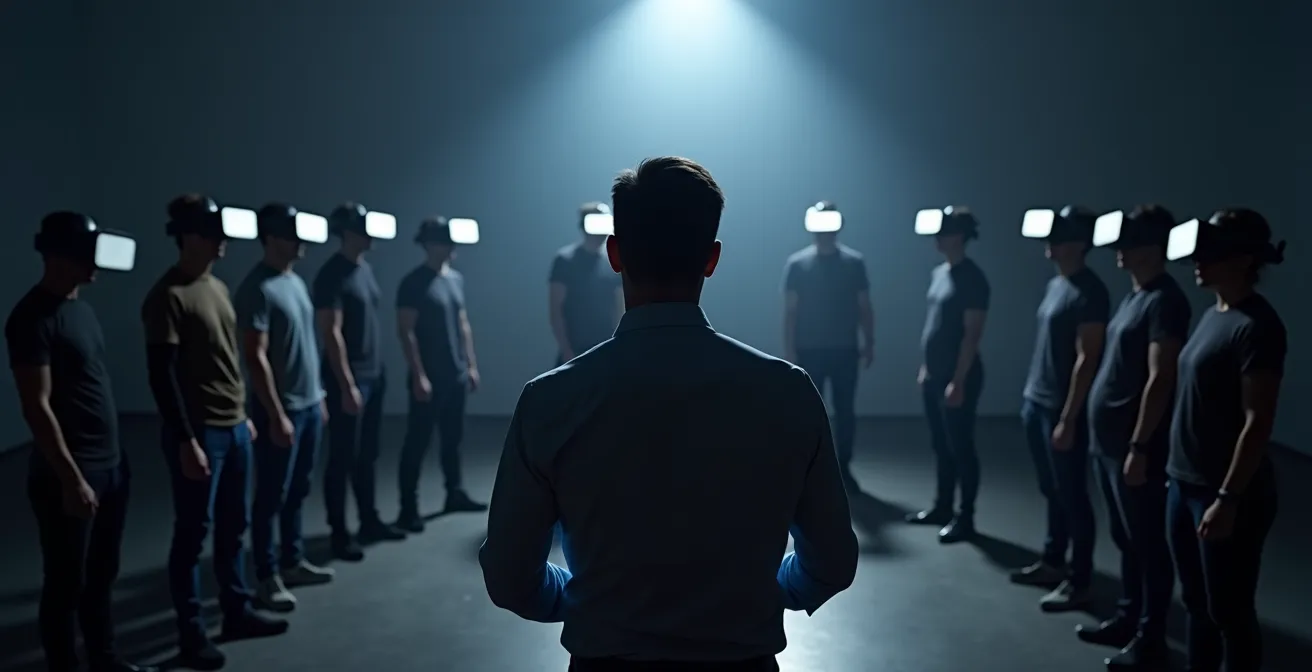
By choosing the right hardware, vetting software for comfort-oriented design, and implementing a gradual onboarding plan, you can effectively eliminate motion sickness as a barrier to adoption. This ensures that the focus remains on learning and mastery, not user discomfort.
By thoughtfully addressing the why and the how—from cognitive benefits to practical implementation—VR training emerges as a powerful, evidence-based strategy. It is not just about technology; it’s about investing in your people’s confidence, competence, and long-term loyalty. To start your journey, begin by identifying a single high-value use case in your organization where VR can make an immediate and measurable impact.